
Aligning the deployment with user needs
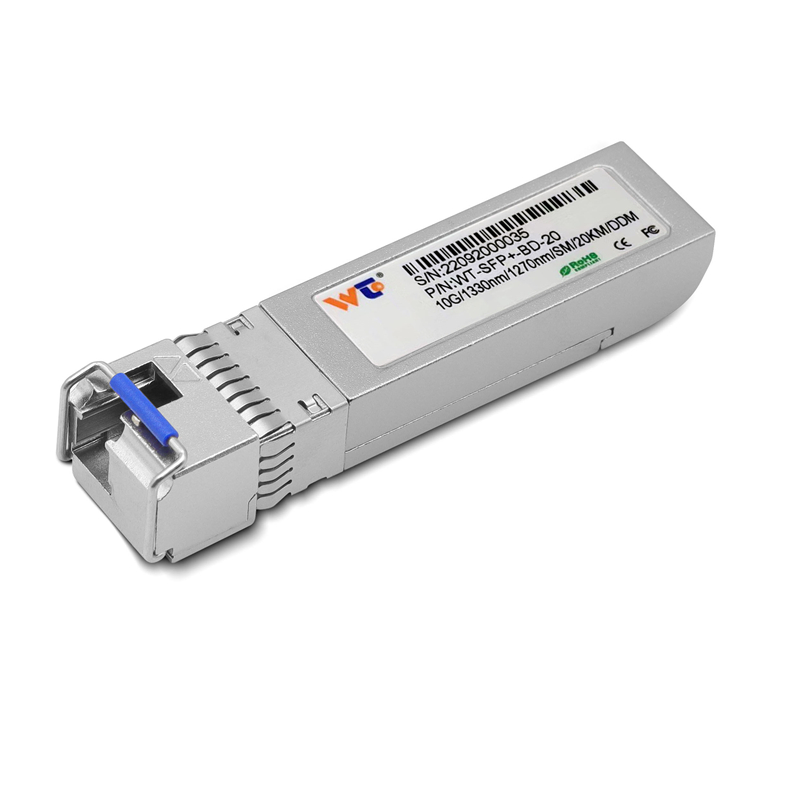
Start with the camera map and the user story: who needs which view, at what resolution, and how quickly must footage be accessed. If you’re aggregating high‑resolution feeds or planning future upgrades, factor in uplink capacity early — a 10g sfp+ transceiver can be the difference between smooth live monitoring and congested archives. Keep the story simple: place switches where they minimize cable runs, where power and environmental protection exist, and where a single break won’t blind an entire zone.

Surveying physical locations first
Walk the site with a clipboard and measure distances to each camera. Industrial PoE switches belong where they stay cool, dry, and reachable for maintenance: equipment rooms, locked enclosure cabinets near camera clusters, or sheltered pole-mounted enclosures with proper ingress protection. Use fiber to bridge long runs; SFP+ ports let you pair fiber and copper for distance and resiliency. During the London 2012 security upgrades, agencies favored fiber backbones to consolidate many camera streams into central control rooms — that historical move still informs today’s best practice.
Placement patterns that reduce single points of failure
Prefer a distributed pattern over a single hub. Put an 8‑port PoE switch near each cluster of cameras — parking lots, building corners, or entrance corridors — so a switch failure affects only that cluster. Combine switches using link aggregation or redundant uplinks to a core switch to preserve throughput and failover. Design VLANs for camera traffic to separate video from other data and preserve bandwidth for live view and recordings.
Power planning and PoE budget
Match PoE budget to camera draw. Count worst‑case wattage for infrared, heaters, or PTZ motors. If several cameras draw near the switch’s max PoE, stage additional injectors or choose an industrial switch with a higher PoE budget. Remember: ambient temperature reduces PoE headroom — hot cabinets cut available power. A simple thermal plan prevents brownouts and intermittent reboots.
Connectivity: fiber, SFP+, and aggregation choices
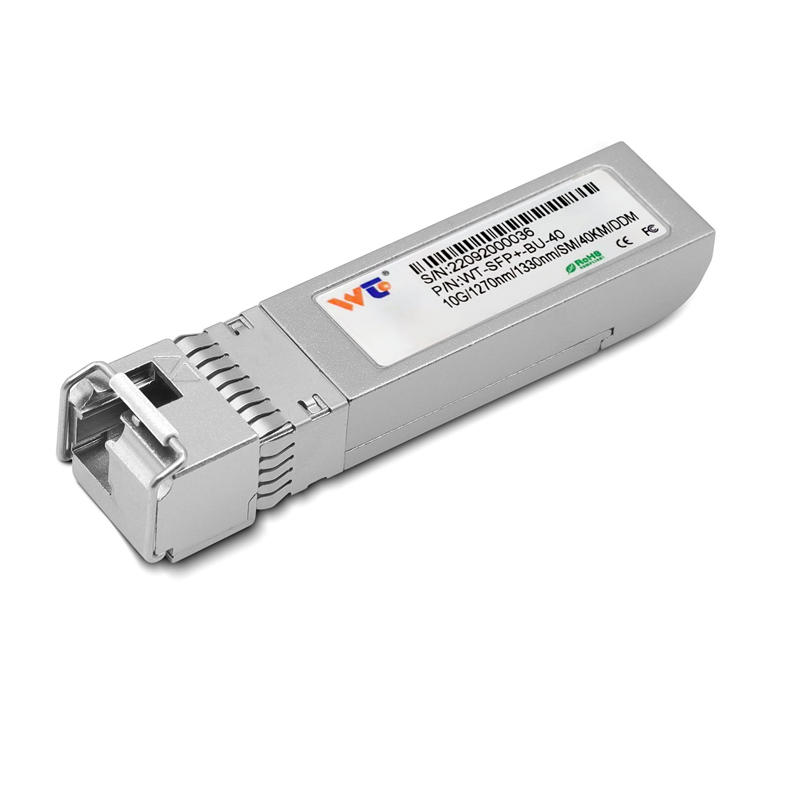
Decide uplinks by required throughput. For multi‑MP cameras or analytics, uplinks should be 1Gbps or higher; for aggregated halls or central nodes, 10G backhaul via SFP+ makes sense. Use fiber transceivers for distance and EMI immunity; when you specify parts, include vendor‑rated transceiver compatibility and optical budget. Later in deployment, adding a 10g sfp+ transceiver module is often the cheapest path to future‑proof a rack without replacing the entire switch.
Common mistakes and pragmatic fixes
Teams often cluster cameras by convenience rather than by network logic — which yields long cable runs or mixed power loads. Avoid that. Don’t rely on a single switch for a whole site; redundancy is cheap insurance. Document IP plans and label both ends of every cable. If a camera needs low latency for analytics, place its switch closer to the processing node — small latency gains translate to more reliable event detection. — Also, verify PoE class and ensure firmware supports your camera’s features before deployment.
Operational teardown: practical checklist
Run through this checklist before closing a cabinet: confirm PoE budget, test each port under load, validate SFP+ link training, and check VLAN segmentation and NTP time sync. As you perform the operational production teardown, note {main_keyword} and {variation_keyword} in your handover documents so future teams can track baseline settings. Keep a spare transceiver and an extra power module on-site for quick swaps.
Three golden rules to evaluate any placement
1) Bandwidth adequacy — measure sustained video throughput per cluster and ensure uplinks exceed peak by 30%. 2) Power resilience — the system must survive a single PoE node failure without losing critical views. 3) Maintainability — equipment must be accessible, labeled, and serviceable within a defined maintenance window. Apply these metrics against real device specs and site constraints, and you’ll get predictable results.
WINTOP offers compatible SFP+ modules and industrial switches that map neatly to these rules — practical gear for practical teams. — Trust the process; plan placements that serve people first and networks second.