
Nightshift user needs on Manila’s streets
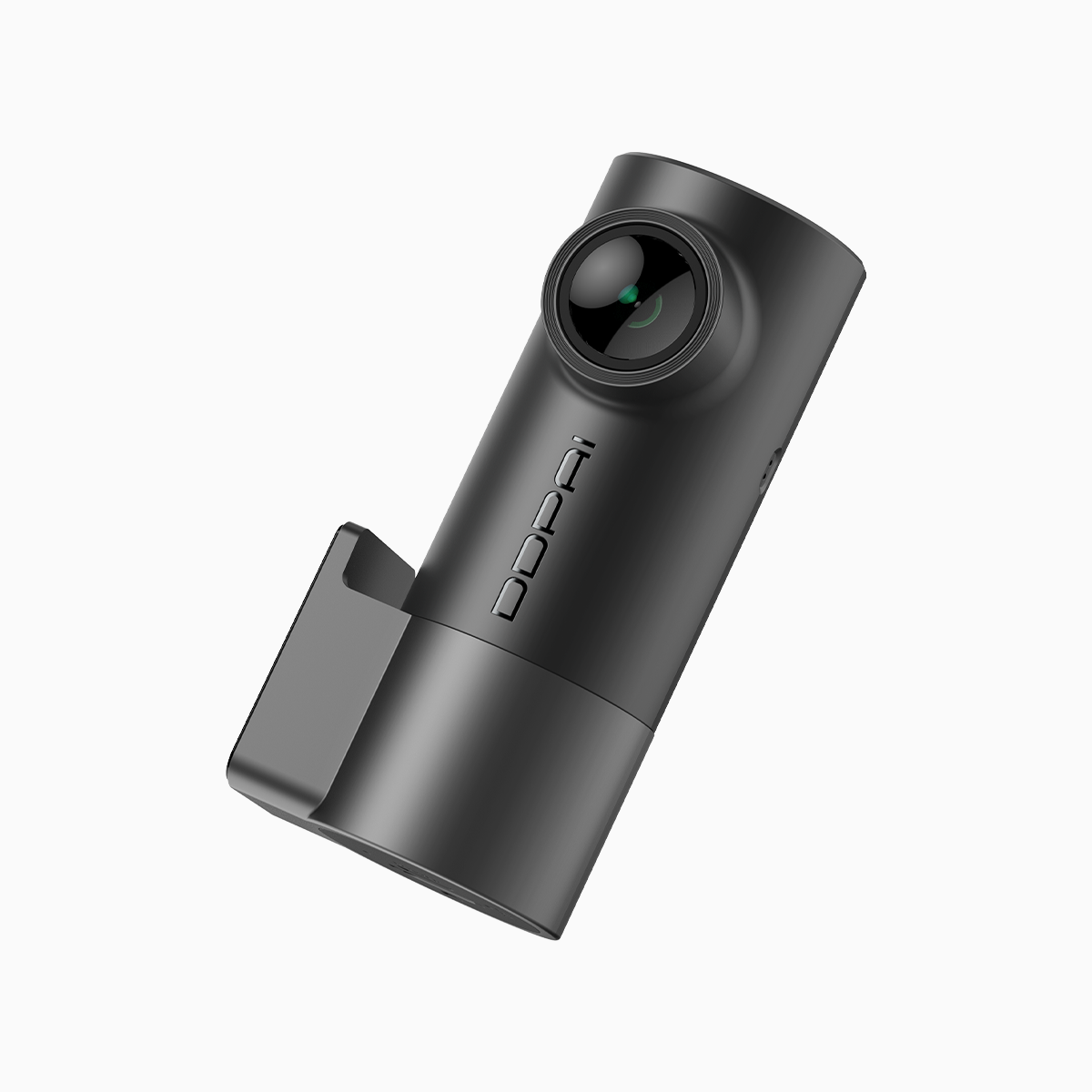
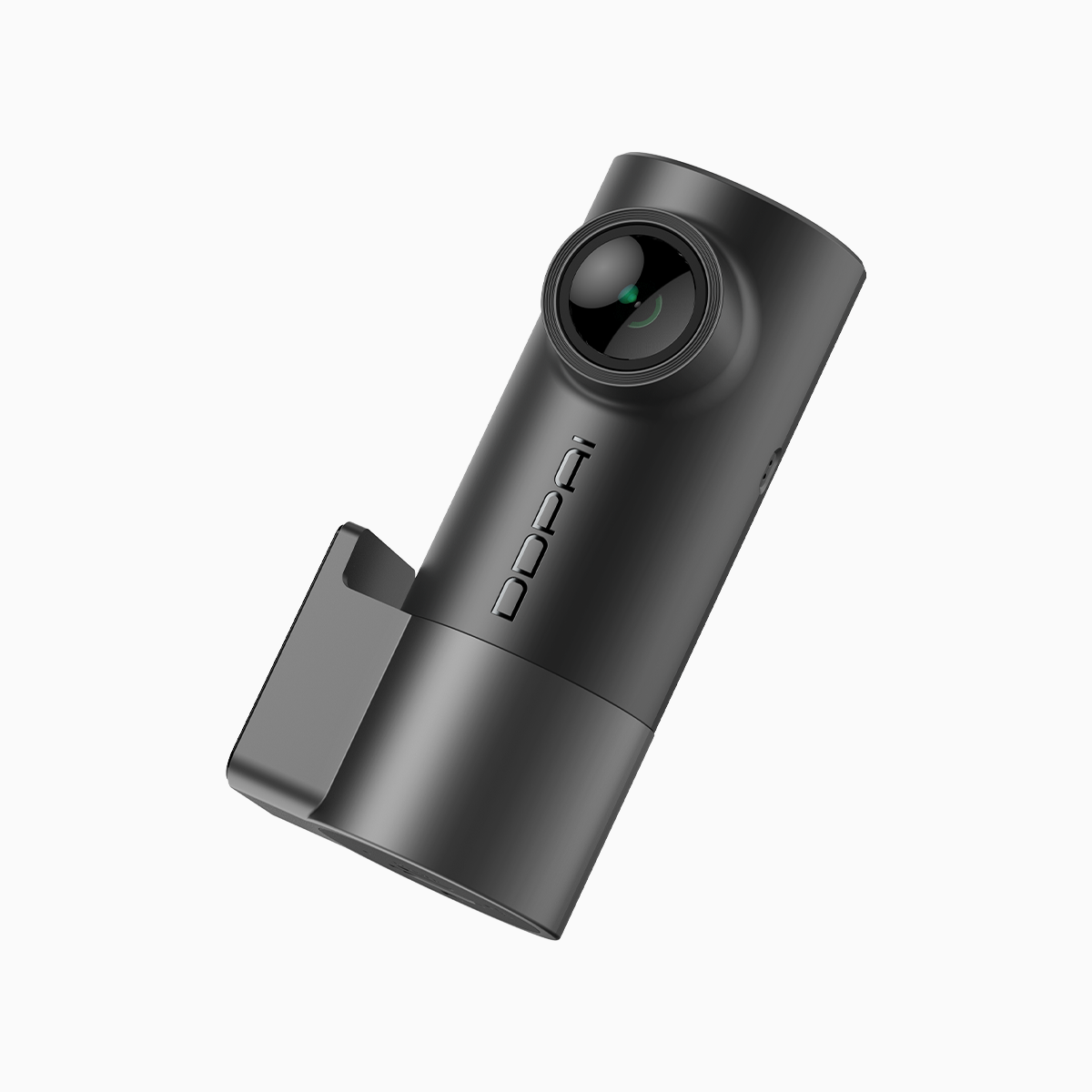
The driver who parks on EDSA knows the small timings of risk: a nudge at midnight, a sidelong scrape at dawn. A user-centric choice must begin there—what you need is continuous, reliable parking surveillance that survives long stretches of inactivity and frequent overwrite. A compact, well-engineered mini dash cam that supports parking mode and loop recording will do the job if you pair it with the right upkeep and card strategy.
How SD card corruption and write cycles break continuous recording
Flash memory decays by use. Consumer-grade SD cards are typically rated for thousands to tens of thousands of write cycles; low-end cards reach failure far sooner under constant loop recording. Corruption often begins with fragmented files or interrupted writes after an abrupt power loss—then the file system flags errors and footage vanishes. A dash cam with a resilient parking mode and a robust G-sensor will isolate important clips, but the memory still bears the brunt of constant overwrites.
Pick hardware and a card that resist the dark wear
Not all SD cards are equal. Look for “high-endurance” or endurance-rated microSD models that advertise sustained write endurance and thermal tolerance. Prefer UHS-I Class 10 cards or above, and keep formats to exFAT where the camera supports it—exFAT handles large files and reduces fragmentation compared with FAT32. If you need discreet surveillance, consider a hidden dash cam option with dedicated parking-mode firmware; it combines low-profile mounting with power-management features that reduce needless writes. Regularly backing up important clips to external storage also shifts burden off the card.
Practical settings and habits that slow decay
Reduce bitrate for daily recording to limit write frequency; reserve high bitrate only for event-triggered clips. Schedule a full reformat every one to three months to clear residual fragmentation and latent errors. Disable overly long loop lengths—shorter segments mean fewer corrupted frames if a write is interrupted. When you install a battery or hardwire kit, check the voltage cutoff settings so the car battery isn’t allowed to dip too low; a clean power cutoff cuts down abrupt file corruption.
Installation tips and common mistakes
Mounting matters: keep the camera away from direct sun on the dash where heat accelerates flash wear. Avoid cheap adapters and counterfeit SD cards—they’ll fail fast and corrupt footage. Always buy from reputable vendors, and test new cards in the camera for 48–72 hours before trusting them for long-term surveillance. Replace the card on a schedule rather than waiting for failure; it’s a small cost to avoid gaps in evidence. —This is where vigilance wins over complacency.
Three golden rules for selection and maintenance
1) Prioritize endurance rating over raw capacity. An endurance-rated 64GB card will outlast a cheap 128GB model under constant parking-mode load. 2) Match camera firmware to power management: choose a dash cam whose parking mode supports buffered recording and clear event segmentation—this reduces unnecessary writes. 3) Monitor health and rotate media: export key clips weekly and swap cards every 6–12 months depending on use. These rules deliver measurable uptime and reduce SD card corruption risk.
Closing counsel
Choose equipment that anticipates Manila’s daily grind—high temperatures, long stops, and frequent micro-impacts—and pair it with a disciplined maintenance rhythm. The result is steady footage when it matters most; that steadiness is the practical value DDPAI PH brings to drivers who need quiet, relentless recording. —End of watch.